
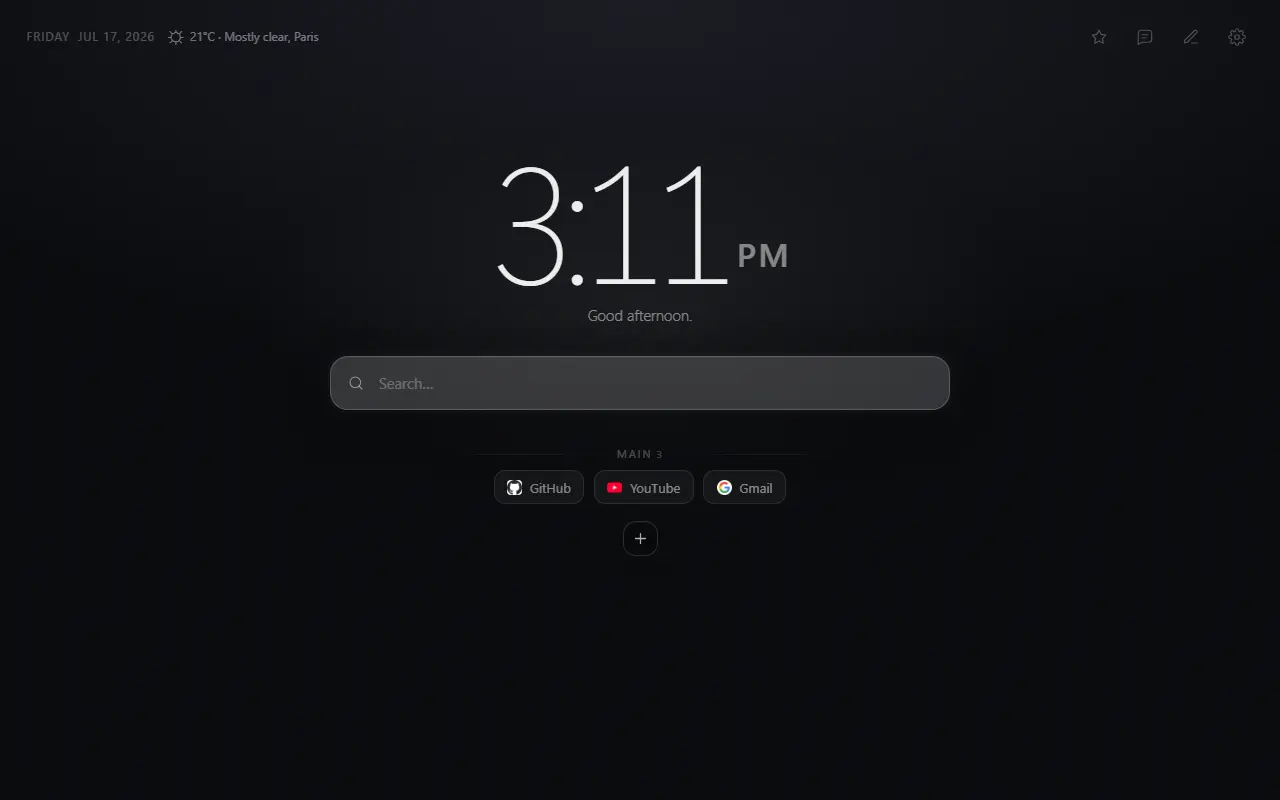
Your daily links
Keep search and shortcut groups together. Arrange links in the order you use them.
A new tab for Chrome, Firefox and Zen
Search, shortcuts, time and weather in one place. Choose a wallpaper, arrange your links, and leave the rest out.
No account · No extension telemetry
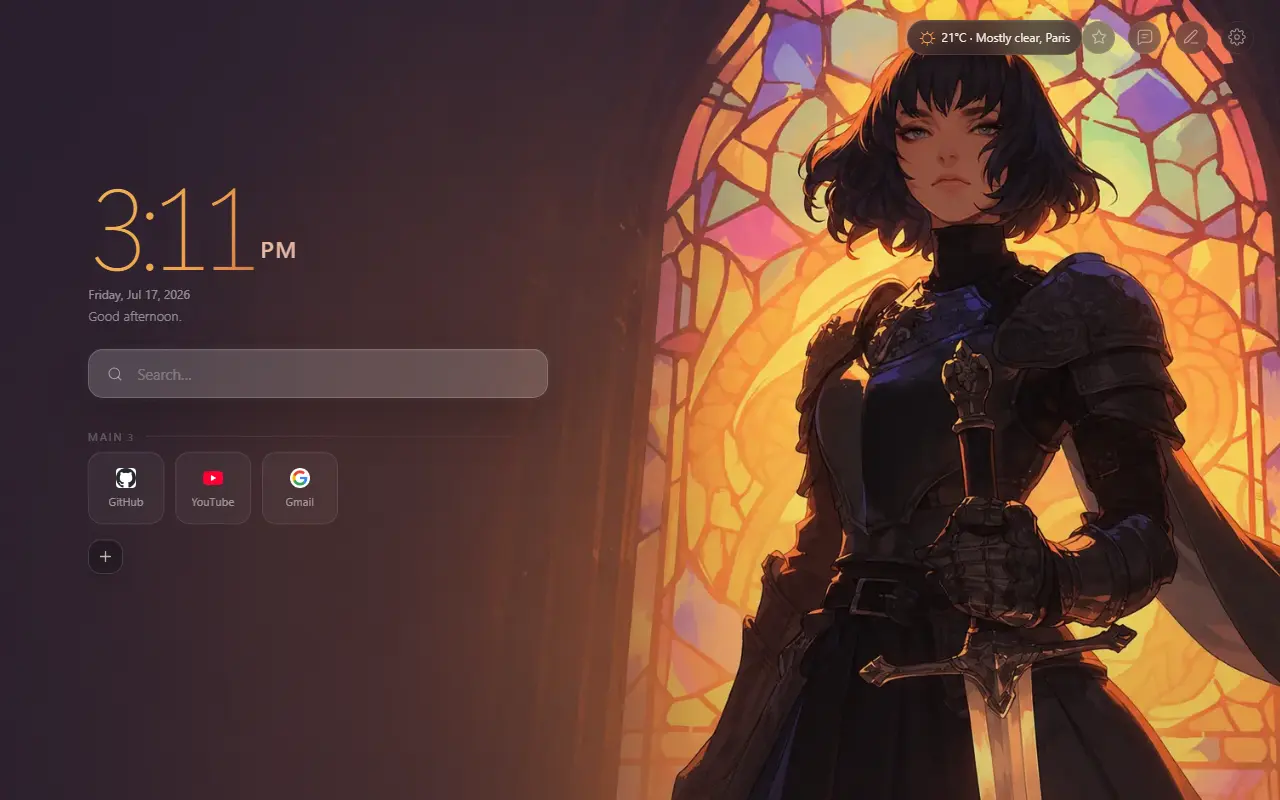
Inside Mist
Start with search and shortcuts. Add weather or widgets when you need them.
Keep search and shortcut groups together. Arrange links in the order you use them.
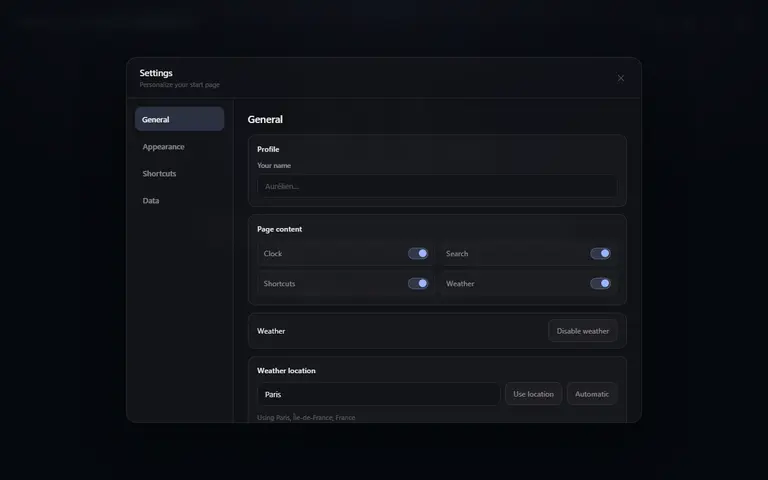
Choose what appears on your tab. Adjust the clock, shortcuts, weather and optional widgets.
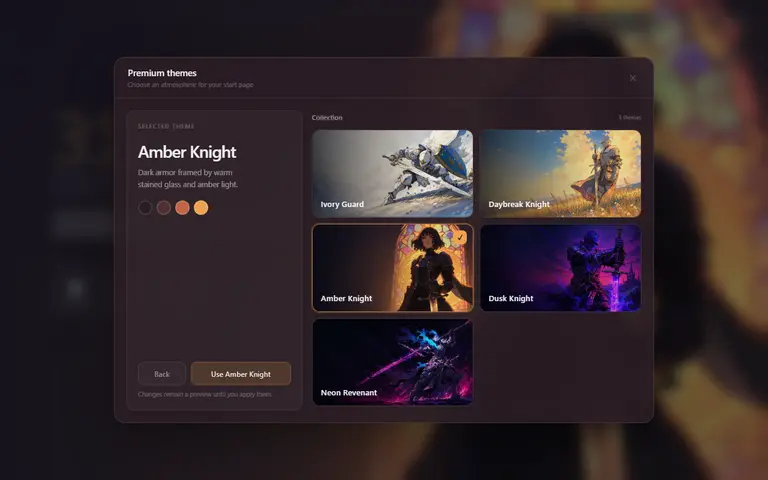
Pick an illustrated theme or use your own image. Mist creates a matching color palette locally.
Signature themes
Choose a signature atmosphere or create your own from any PNG, JPG or WebP wallpaper with an automatically generated four-color palette.

Sunset Apex
Golden-hour momentum on an open road.From install to yours
Install Mist for your browser. No account is required.
Start minimal, select one of five signature themes or create your own.
Arrange shortcuts, search and optional weather around your routine.
Local-first core
Mist has no account database. Your setup stays in your browser’s extension storage. Network features and their providers are listed in the privacy policy.
Browser storage
Shortcuts, groups, themes and preferences remain in your browser’s extension storage.
Optional weather
Weather providers are contacted only after you choose a city or approximate lookup.
Network features
Sharing sends the appearance fields you approve. Weather, favicons and widgets use the services listed in the privacy policy.
Choose your browser
Install Mist on Chrome, Firefox or Zen today. Microsoft Edge is next.
 Available in theChrome Web Store
 Available forMozilla FirefoxAvailable forZen Browser
 Soon availableMicrosoft EdgeSoon
Before you install
Mist is a Chrome extension that replaces the new-tab page with a customizable dashboard for search, shortcuts, time, themes and optional weather.
Yes. Mist is free to install and contains no advertising, subscriptions or paid account requirement.
Your groups, shortcuts, themes and preferences stay in Chrome extension storage. Mist sends only explicitly reviewed appearance fields when you choose to create a private sharing link; shortcuts, weather, names and tab identity are excluded.
You can enter a city or let Mist estimate an approximate city from your IP address. Weather can be declined or disabled at any time, and Mist never requests precise browser geolocation.
Mist is available in the Chrome Web Store and Firefox Add-ons. Zen users can install the Firefox version. Edge and Safari are planned later.
Choose a theme, add your shortcuts, and open your next tab with Mist.
Free · No account required · Chrome, Firefox and Zen.